
How to Search Cases by Name
There is no single name-search box covering every Hancock County court. For Superior Court, start at Georgia Courts E-Access. Pick Hancock Superior Court from the directory. Follow the provider link to PeachCourt, and either sign in or register. PeachCourt's help pages describe the post-login search options: county, court, case number, or party name.
- Identify Superior, Magistrate, Probate, Juvenile, or Sparta Municipal as the court that owns the case.
- For Superior Court, open E-Access and follow the Hancock link to PeachCourt.
- Sign in, select Case Search, then choose the county and court controls shown in the account.
- Enter the party name as accurately as possible. Official help does not publish name order or wildcard rules.
- Review the result carefully, using the case type, court, and filing details to avoid a false match.
- Open the matching case docket and read its newest entries, settings, disposition, and available document links.
Treat a blank result with care. It does not settle anything. The wrong court may have been chosen, the account may lack access, the name may be spelled differently, the case may be old, or public viewing may be restricted. When results clash with paperwork you already hold, call the office that keeps the record. The Hancock Superior and Juvenile Clerk answers at 706-444-6644.
Hancock Case Lookup Starts With E-Access
Georgia E-Access is a directory of court providers, not one statewide database. That distinction trips up many searchers. Choosing Hancock sends a Superior Court user to PeachCourt. It proves nothing about Magistrate, Probate, or Sparta Municipal dockets. Those dockets may sit outside that account entirely. The county's own pages list office and jurisdiction details. They offer no separate public case form.
Key point: A statewide directory can route a Hancock County case lookup without holding the underlying case data itself.
The state directory warns that a provider may require an account. PeachCourt does. Try its case-search route without signing in. You land on a redirect to the login screen. That screen is not a "no cases found" answer. The right move is to sign in. Register if that fits, or fall back on the clerk for any matter beyond proven Superior Court coverage. The Georgia Courts research and statistics office publishes official dashboards. It cautions that courts self-report the underlying data. Its public research page shows the gap between aggregate court statistics and a party-level case lookup.
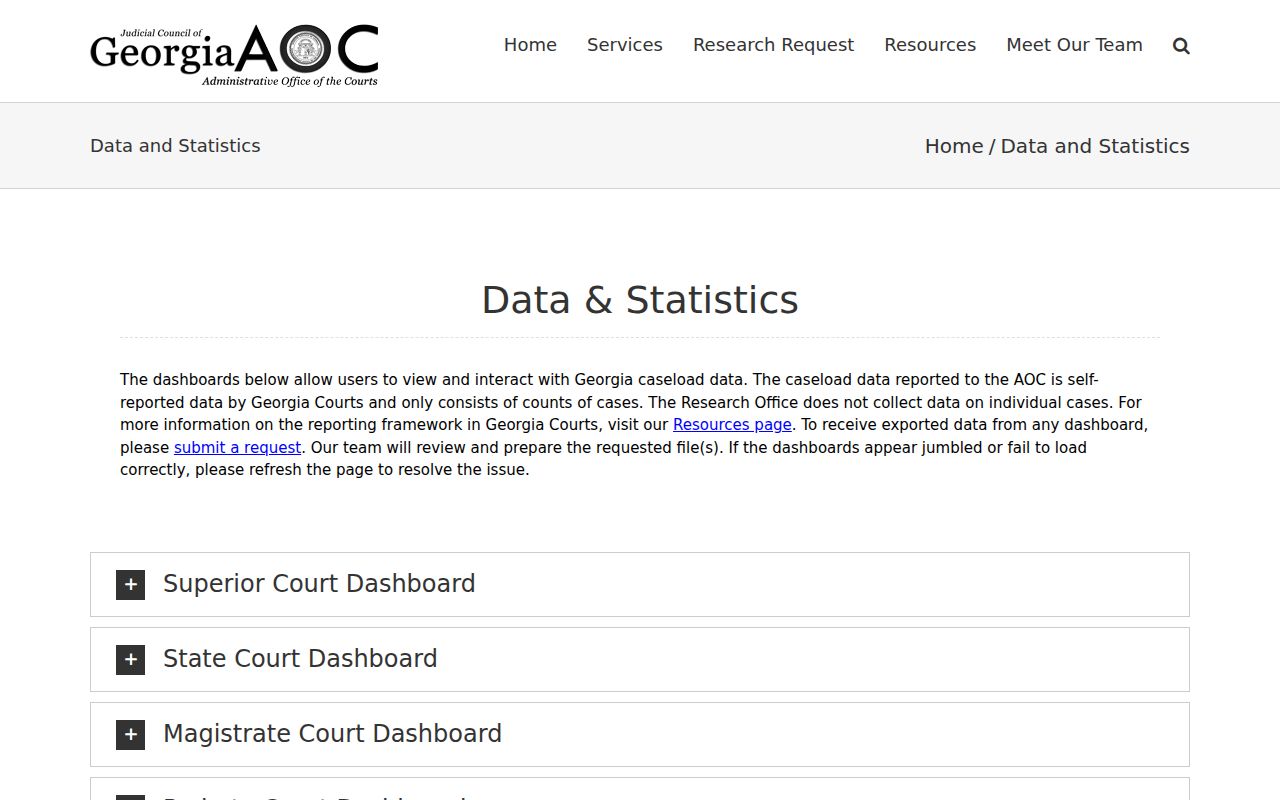
Official state sources help you understand how the system works. For an actual Hancock party search, though, stay with the court provider or the clerk.
Hancock Case Alerts Are Not Lookup Results
The Superior Clerk points to Georgia's Filing Activity Notification System, called FANS. It sends a notice when selected filing activity is recorded. But an alert service is not the Hancock County case lookup itself. Use PeachCourt to read the case docket, and use the clerk for official record questions. An alert works well as a prompt to check again after a filing. By itself, it cannot tell you the full contents, the status, or the next court date. Only the docket can. An event notice may land before you have opened the case at all. That is when this matters most.
How to Search by Case Number
An exact case number is often the cleanest key. It separates people who share a name. Copy it straight from a citation, summons, order, clerk notice, or an earlier docket result. Enter the punctuation exactly as printed. If the portal rejects it, look for a typing slip before stripping any separators. Hancock publishes no official case-number mask or code manual. So do not invent a sample like YYYY-CR-##### and treat it as the local pattern. The real number on the source record is the format. Confirm the county and court you selected too. The same digits can mean little without that context. PeachCourt's instructions say case-number search opens only after you choose county and court. They list no required character count, prefix list, spacing rule, or legacy conversion. If a number you trust returns nothing, keep it intact. Hand it to the responsible clerk.
Note: The safest Hancock County case number example is the exact number on your court paper, not a guessed local pattern.
Hancock PeachCourt Login and Search Fields
The public PeachCourt access page asks for email and password, with buttons for sign-in, password recovery, and registration. County and court selectors show up later, per the provider's official help. Keeping the visible fields separate from the post-login ones is what keeps Hancock County case search instructions honest.
| Field label | Type | Required | What is documented |
|---|---|---|---|
| Email text | Yes for sign-in | Use the exact registered email | |
| Password | Masked text | Yes for sign-in | Password recovery is available |
| County | Dropdown | Not published | Selected after login; choose Hancock |
| Court | Dropdown | Not published | Selected after county; Superior coverage is documented |
| Case number | Text | One search route | Exact local format is not published |
| Party name | Text | Alternate route | Name order and wildcard rules are not published |
Registration wants your name, email confirmation, password confirmation, a security question and answer, and acceptance of terms. The password rule is documented. It calls for at least eight characters, upper and lower case, a number, and a special character. Attorney and self-represented account upgrades gather extra professional or contact data. And even with access to many courts, do not assume every Hancock docket is visible. Do not assume every document is visible either.
What a Case Search Shows
Once you open a result, PeachCourt calls what you see a case docket. Picture a chronological register rather than a stack of every paper filed. The live Hancock detail view stays behind a login, so treat the fields described here as a checklist of what to look for, not a promise that each one always shows up.
| Case number | The identifier copied exactly from the result or court paper. |
|---|---|
| Case style | The caption naming the parties, or the State and defendant. |
| Court and type | The court, county or circuit, and civil, criminal, domestic, or other category. |
| Filed date | The date the initiating matter entered the docket. |
| Status | An open, closed, disposed, transferred, restricted, or other current label when supplied. |
| Events | Dated filings, notices, hearings, resets, orders, judgments, and appeal activity. |
| Documents | Links to images when available and permitted, which may involve a separate fee or entitlement. |
Work through events oldest to newest, then study the latest setting and disposition. A filed motion is a request, not a ruling. A notice of appeal is not the appellate result. Resets leave the old date sitting in the history. Reading each entry for what it actually says keeps a Hancock County case lookup from stretching one label into a conclusion it cannot support.
Hancock Dockets and Document Images Differ
A docket entry and the document behind it sit at two different layers. The entry list may name a complaint or an order. It may also cite a notice, a judgment, or sentencing papers. Getting the actual image open is a second question. It can hinge on your account. The court, the case type, your filing role, and the current provider's charge also matter. So a visible docket entry in Hancock County is never a promise of a free document image.
PeachCourt's terms cover both docket information and electronic images. Its help pages also split qualifying civil e-file access from manual or criminal document charges. Check the exact amount at checkout. No stable Hancock image fee exists. For a certified copy, go through the Superior Clerk. You can also use the separate GSCCCA eCertify route. An ordinary download is not certified.
Federal records add yet another layer. PACER publishes its federal pricing rules and exemptions. None of that governs Hancock state-court images.
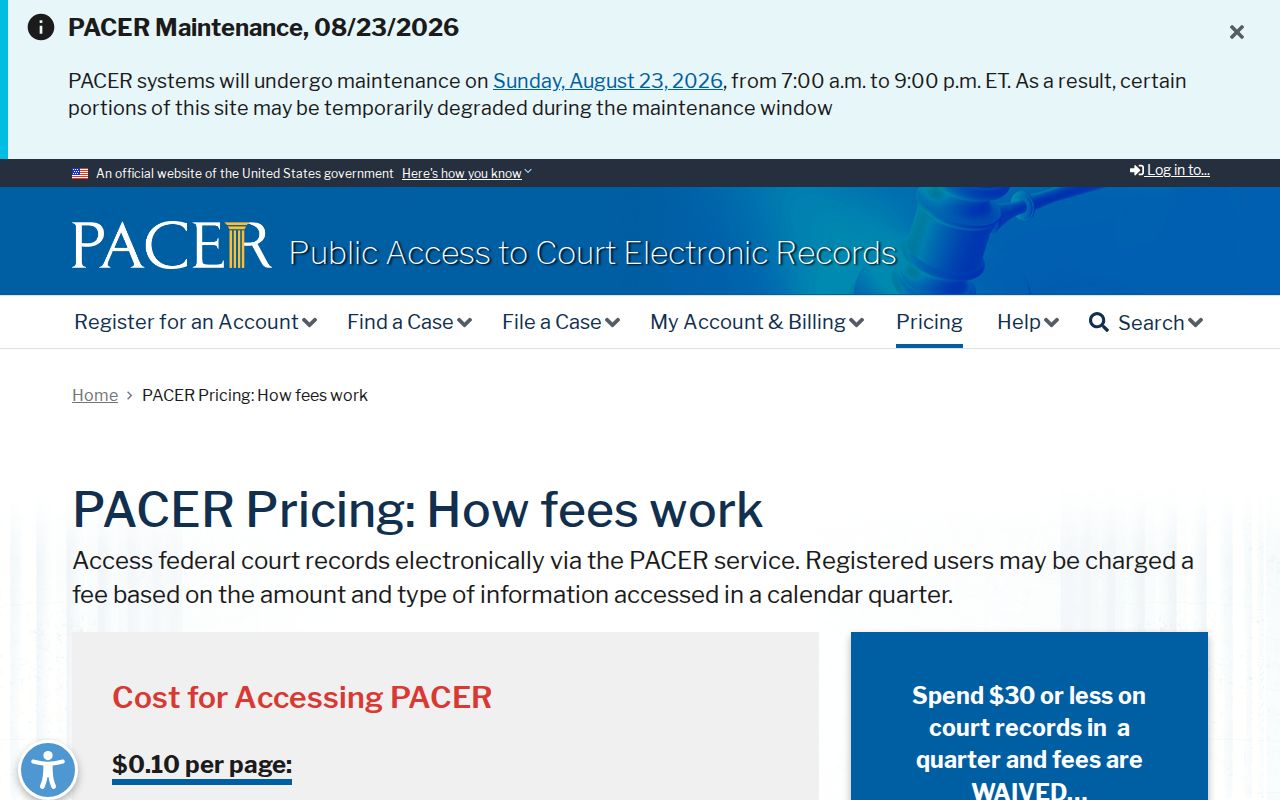
That federal pricing page is a reminder to keep state and federal document systems firmly apart.
Hancock Case Search Versus Filing History
PeachCourt also documents a filing-history screen with Accepted, Rejected, and Pending tabs. Filters there cover case number, case title, court, Peach Number, and client reference number. Filing date and payment amount round out the list. The history only reaches your last 365 days of filings. It is an e-filer's work list. It is not a full public Hancock County case search.
A rejected filing in that list says nothing. It does not settle the court's final case status. A filing missing from one user's history can still sit on the official case docket. Open the case result itself and read the court's chronological entries.
County vs Statewide Case Search
Georgia offers a statewide provider directory but no single free statewide case database. For Hancock Superior Court, E-Access routes you to PeachCourt. Lower courts keep their own custodians. A county court directory can point you to the right office, yet it can never replace the case docket that office itself maintains.
| Search layer | Coverage | Best use |
|---|---|---|
| Georgia E-Access | Directory of participating court providers | Find Hancock Superior's approved provider |
| PeachCourt | Documented Hancock Superior access, account required | Search party name or case number and open the case docket |
| County court offices | Superior, Magistrate, Probate, and Juvenile routes | Find a case outside proven portal coverage or request older records |
| Sparta Municipal Court | City ordinance and municipal traffic matters | Follow the citation and city court contact path |
A federal filing tied to a Hancock resident or event never becomes a county case. Hancock sits in the Middle District of Georgia's Macon Division. Use PACER for that federal docket. The court's CM/ECF system works too. Save the Georgia path for state and local court cases.
Federal Cases Need a Separate Lookup
The Middle District of Georgia CM/ECF system is the official electronic docket endpoint. It serves federal district cases. It is not a backup copy of Hancock Superior Court records. Federal bankruptcy matters run through their own court system entirely. Search by jurisdiction first. That way a shared party name does not send your inquiry to the wrong custodian.
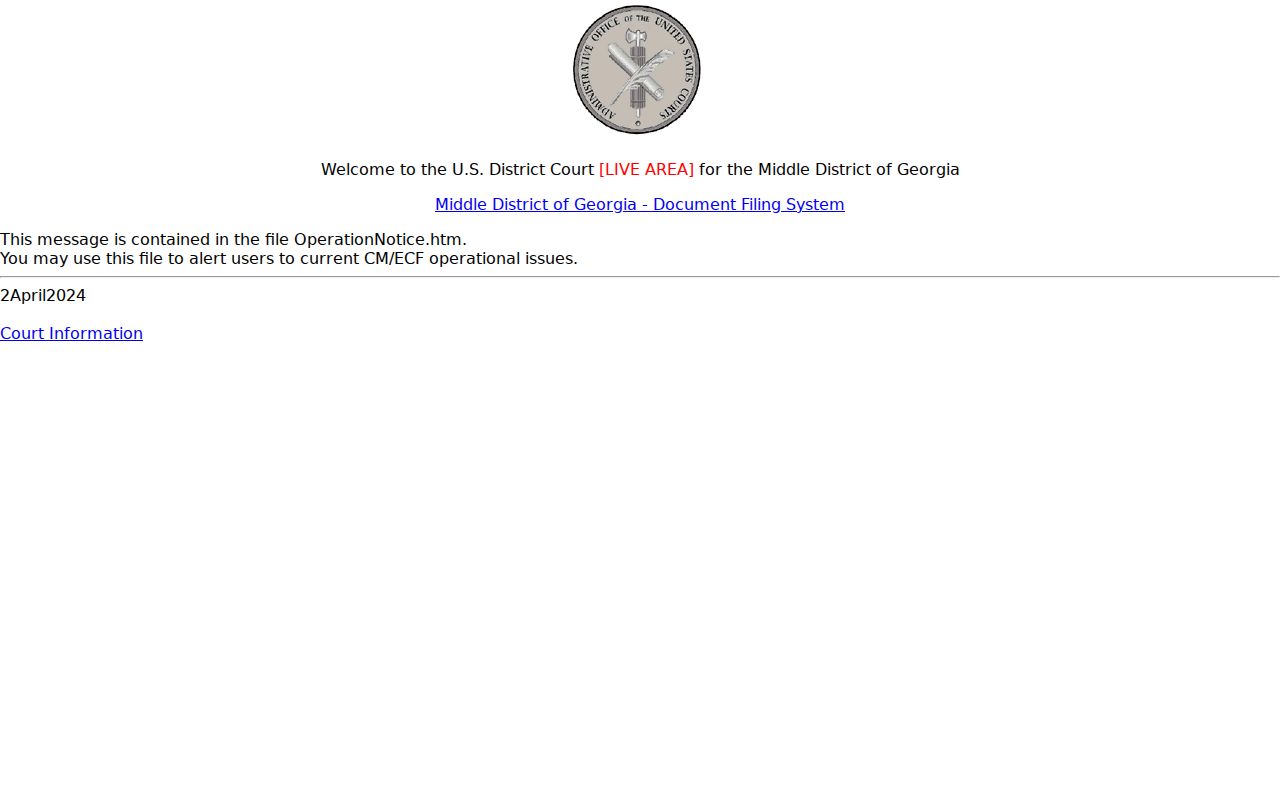
That CM/ECF endpoint is the federal filing channel. It sits fully separate from PeachCourt and the Hancock County clerk.
CourtListener's RECAP collection can give you a free secondary search. It covers some federal dockets and documents. It is not the federal court's custodian, and it does not hold every PACER item.
The CourtListener search service offers that limited federal alternative.
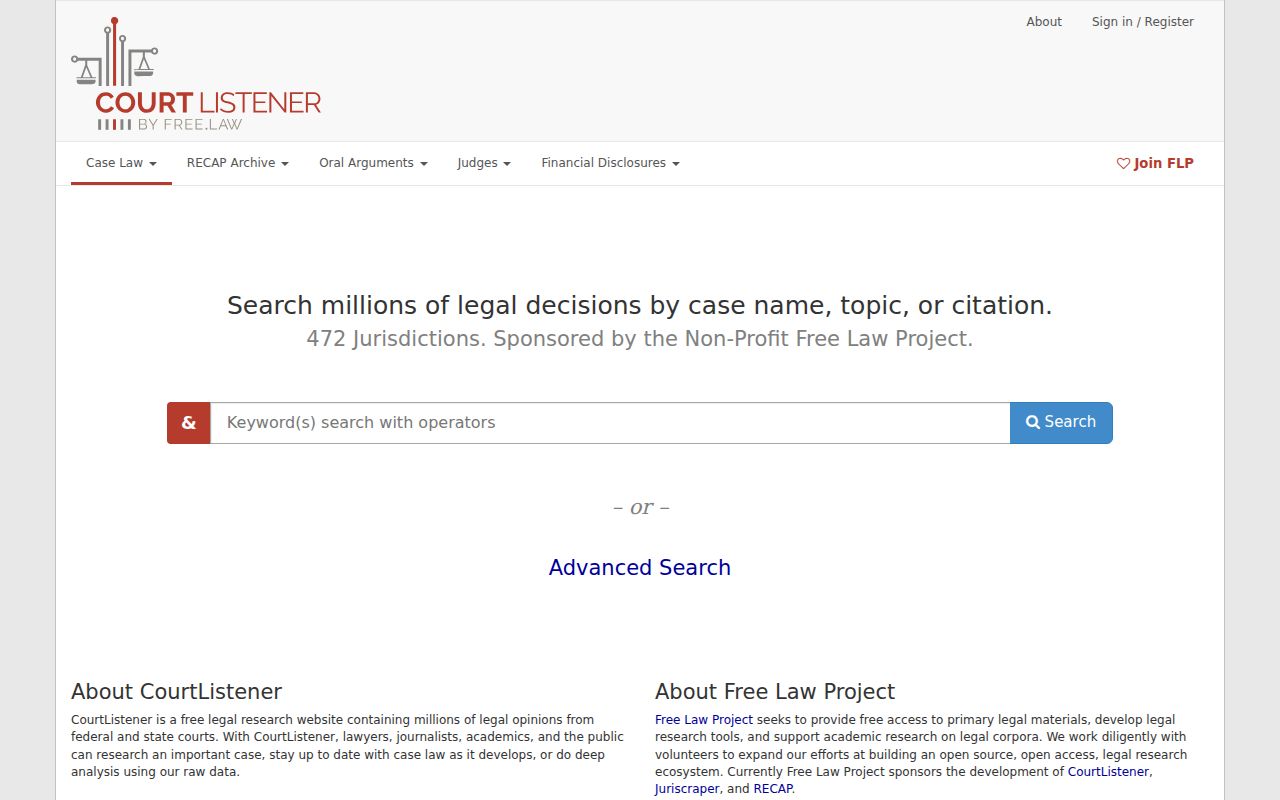
The picture helps you tell a public federal mirror apart from the official state and county case-search sources.
Route a Hancock Case to Its Court
The case type usually tells you where to search. Hancock Superior Court hears felonies, domestic relations, equity, major civil matters, and authorized lower-court appeals. Its clerk also administers Juvenile records. Juvenile matters never become ordinary public Superior dockets. The county lists no State Court. Aiming a search at a local State Court that does not exist only creates delay.
- Use Superior Court for felony, divorce, broad civil, equity, and title matters.
- Use Magistrate Court for small claims, garnishment, dispossessory, bad-check, bond, warrant, and preliminary work.
- Use Probate Court for estates, wills, guardianships, licenses, and traffic assigned to that court.
- Use Sparta Municipal Court for city ordinance and municipal traffic matters.
- Use the Superior and Juvenile Clerk for the restricted juvenile routing process.
The Hancock County Superior Court page names Clerk LeShauna R. Jackson. It also links the main services. Magistrate answers at 706-444-6234, Probate at 706-444-5343, and Superior/Juvenile at 706-444-6644. All three offices publish 12630 Broad Street in Sparta.
Traffic needs special care. Georgia Courts reports no centralized citation database. Search the court printed on the citation and allow for posting delay. That citation is a routing document, not just a payment slip.
Older Hancock Case Lookup Fallbacks
Older files can predate scanning or simply lack an image through your current account. Begin with the case number, party name, court, and an estimated filing period. Then call or visit the custodian. County offices publish weekday hours of 9:00 a.m. to 5:00 p.m., except holidays.
Ask whether the clerk can locate the docket. Ask whether a paper file must be pulled. Ask what request method applies. Mail can help when travel is hard. But confirm the address, copy charge, certification need, and payment method first. No online result is not proof that an older Hancock County case never existed.
Restricted Cases and Access Rules
Georgia starts from a presumption that court records are open. Statutes, court rules, and court orders then carve out exceptions. Several kinds of material can stay out of an ordinary Hancock County case lookup. That includes juvenile files, adoptions, sealed papers, confidential personal data, and some restricted criminal-history material. Redaction works differently. It hides only the protected details and leaves the rest of the docket public.
A search that comes back empty does not mean no case exists. Check the court first. Check the spelling too. Then call the office that holds the record and describe what you want. The clerk cannot ignore a sealing order or hand over anything the law withholds. A party or an attorney may have an access route the public does not.
Uniform Superior Court Rule 21 controls public files, redaction, and sealing in Superior Court. Court records also follow their own rules. They sit apart from an administrative request under the Georgia Open Records Act. When the material sits inside a judicial file, ask the clerk about the court-record process. Skip the administrative one there.
Once a docket turns up, the copy options are covered in the Hancock County court record search information. Older files may never have been scanned. Those usually need an in-person, mail, phone, or clerk-assisted request.
Note: Restricted access limits public display; it does not authorize guessing about the existence, contents, or result of a hidden case.